Vietnam Apps: 9 Best Apps for Travelers in Vietnam
Waseem and I just got back from Hanoi and Ninh Binh, and honestly, Vietnam hit differently than I expected. Between navigating the chaotic Old Quarter streets, cafe hopping through hidden alleyways, eating banh mi and street food at every turn, and trying to figure out how on earth to book a bus to Ninh Binh without getting ripped off, we relied on our phones more than almost anywhere else we’ve traveled.
Both of us have been traveling Southeast Asia long enough to know that the right apps make a massive difference between a smooth trip and a frustrating one. And in Vietnam specifically, having the right setup on your phone is genuinely one of the most useful things you can do before you land.
If you want the full picture on either destination, I’ve written a complete Hanoi to Ninh Binh guide covering transport options, what to expect on the road, and everything worth doing once you’re there. And if you’re still deciding whether Hanoi is worth your time at all, I covered that too in my honest review of Hanoi.
So this is everything we actually used, tested firsthand on this trip, plus a couple I wish we’d sorted sooner.
Why You Need the Right Vietnam Apps
Vietnam is an incredible country, but it’s also one where the wrong move, like getting into an unmarked taxi, trying to navigate without GPS, or paying cash when the vendor clearly uses QR codes, can cost you time, money, and a lot of frustration.
The good news is that the right Vietnam apps solve most of this. With a solid app setup, you can get around safely, book transport without being scammed, pay at local markets, and actually communicate with people who don’t speak English. It’s one of those destinations where a little prep on your phone goes a long way.
I’d honestly say downloading these apps before you arrive is as important as packing the right adapter.


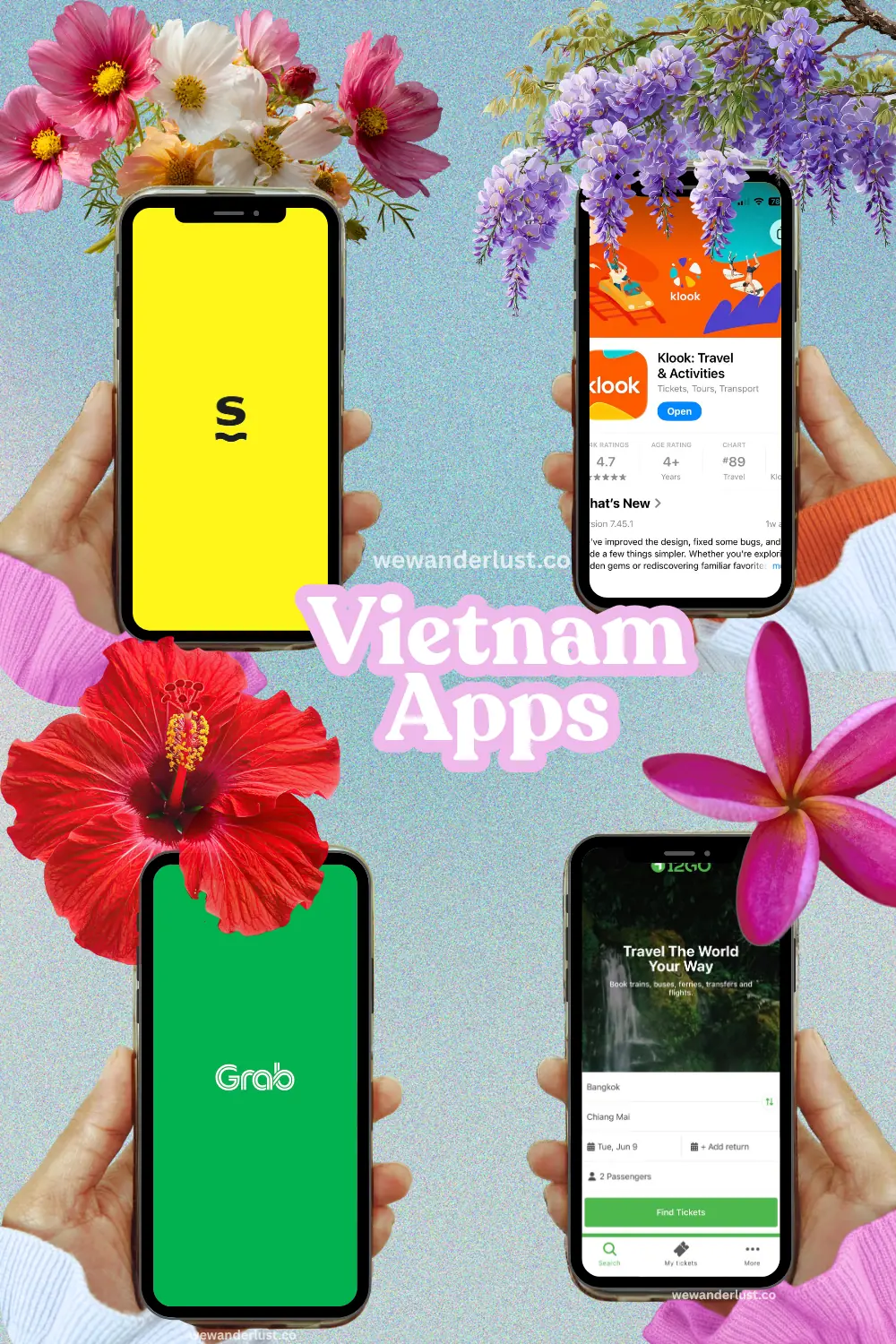
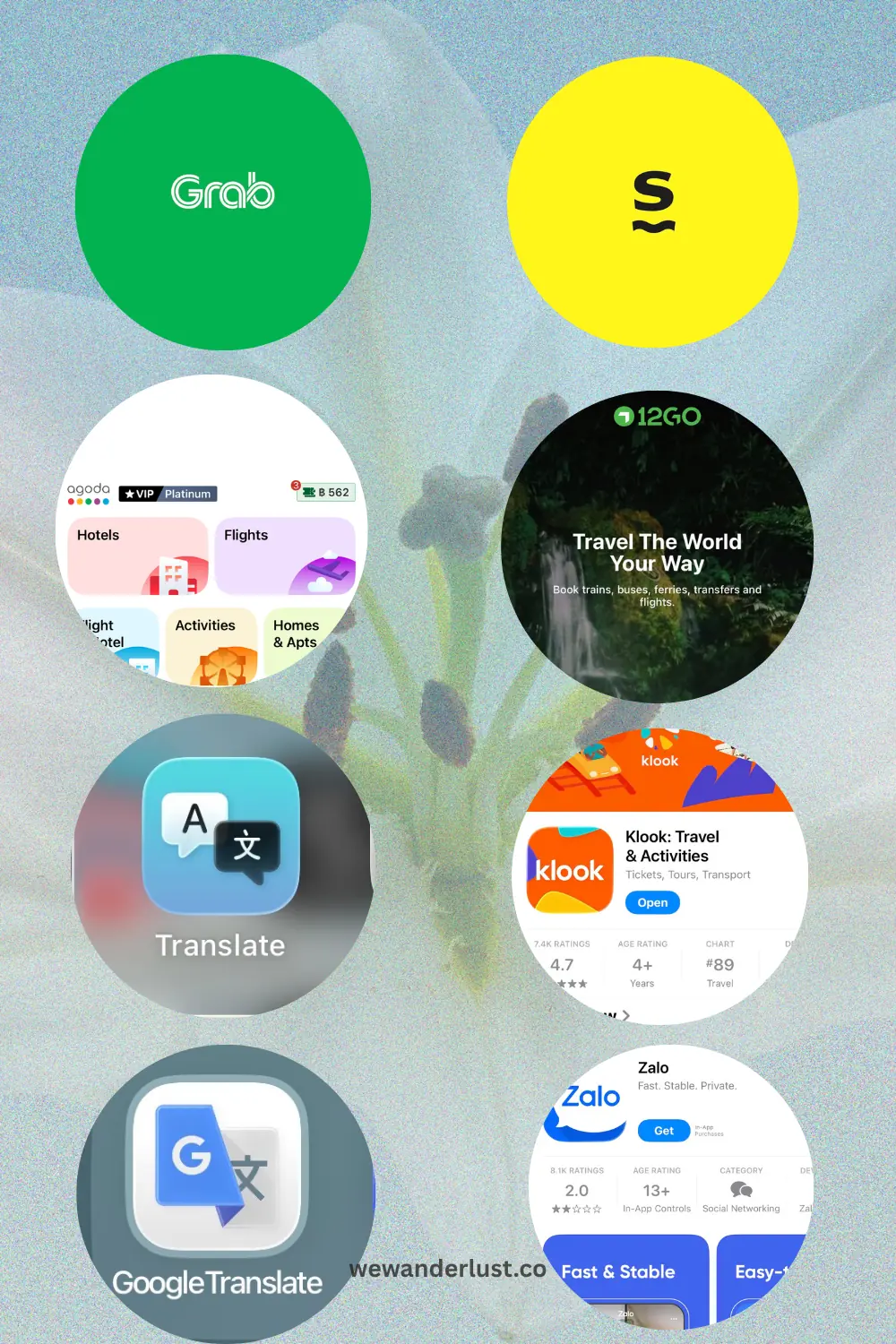
The 9 Most Useful Apps for Travelers in Vietnam
Grab for Rides and Food Delivery
If there’s one Vietnam travel app you absolutely cannot skip, it’s Grab. Full stop.
Grab is Southeast Asia’s answer to Uber, and in Vietnam, it’s essential. You can book motorbike taxis (GrabBike), cars (GrabCar), and even food delivery straight to your hotel. The prices are fixed and shown upfront, which means no negotiating, no getting ripped off, and no awkward conversations with drivers who don’t have change.
In Hanoi specifically, we used Grab for pretty much every ride. It was always faster than flagging down a xe om (motorbike taxi) on the street, and we knew exactly what we were paying. A motorbike ride across the Old Quarter costs almost nothing. We’re talking around 15,000 to 30,000 VND for short trips, which is basically pocket change. If you’re planning your time in the city, my 2-day Hanoi itinerary breaks down exactly how we moved around and what we fit in, and Grab was behind every single journey when we weren’t walking.
One thing to note: in busier areas, GrabBike is actually faster than a car because drivers can weave through Hanoi’s infamous traffic. Trust me, just get on the back of the motorbike and enjoy the chaos.
Download it before you arrive and set up your payment method at home. It’ll save you on day one.
Google Maps for Navigation
I know this sounds obvious, but Google Maps in Vietnam deserves its own mention because it works really, really well here.
Download your offline maps for Vietnam before you fly. Seriously, download the whole country if you can, or at least the cities you’re visiting. In areas with patchy data, having offline maps saved us multiple times in Ninh Binh when we were wandering around on our rented bike and my signal disappeared entirely. The roads around the karst landscape are not the place to discover your GPS has stopped working. (My full Hanoi to Ninh Binh guide covers what to do once you’re there, including the best way to explore the area by bike, coming soon!)
Google Maps is also useful for finding restaurants, checking opening hours, and reading local reviews. It’s not perfect, some listings are outdated, but it’s still the most reliable navigation tool in Vietnam, especially compared to Apple Maps, which I’d avoid entirely.
Pro tip: when you search for an address, always cross-reference it with what the locals know. A lot of streets in Hanoi’s Old Quarter have multiple names or are split into sections, and Google Maps can occasionally send you half a block in the wrong direction.
Google Translate for Communication
Google Translate is one of those Vietnam apps that feels like a superpower once you start using it.
Vietnamese is a tonal language with six tones, and even attempting to speak it can lead to some very confused looks. The camera translation feature is what really earns its place here. Point your camera at a menu, a sign, or a label, and it translates in real time.
We used it constantly at street food stalls where the menus were entirely in Vietnamese, and it came in handy at almost every cafe we visited too. Hanoi’s cafe scene is genuinely one of the best parts of the city, and if you’re planning to do some serious cafe hopping, my guide to the best cafes in Hanoi has all our favorites with the addresses you’ll want to drop into Google Maps.
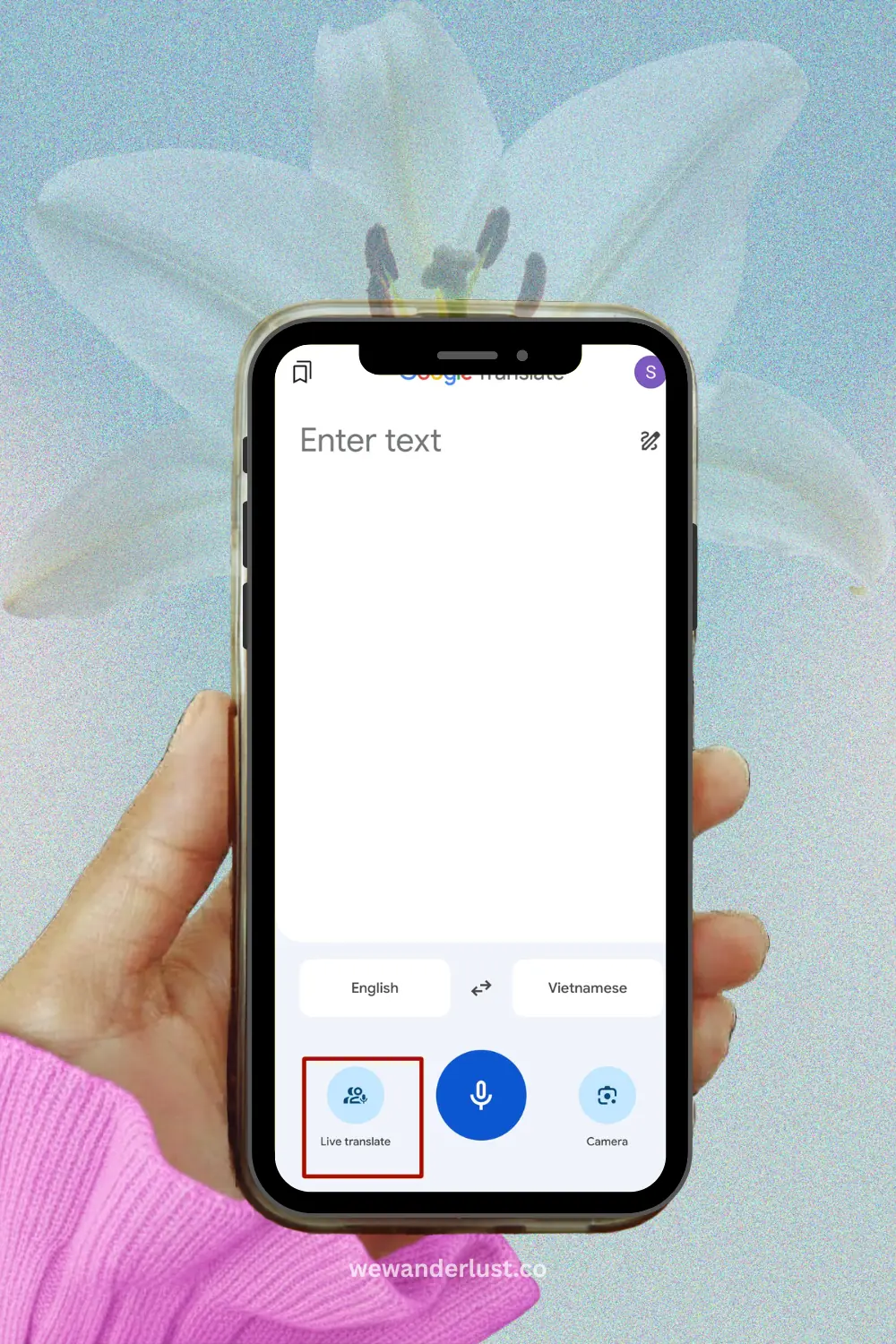
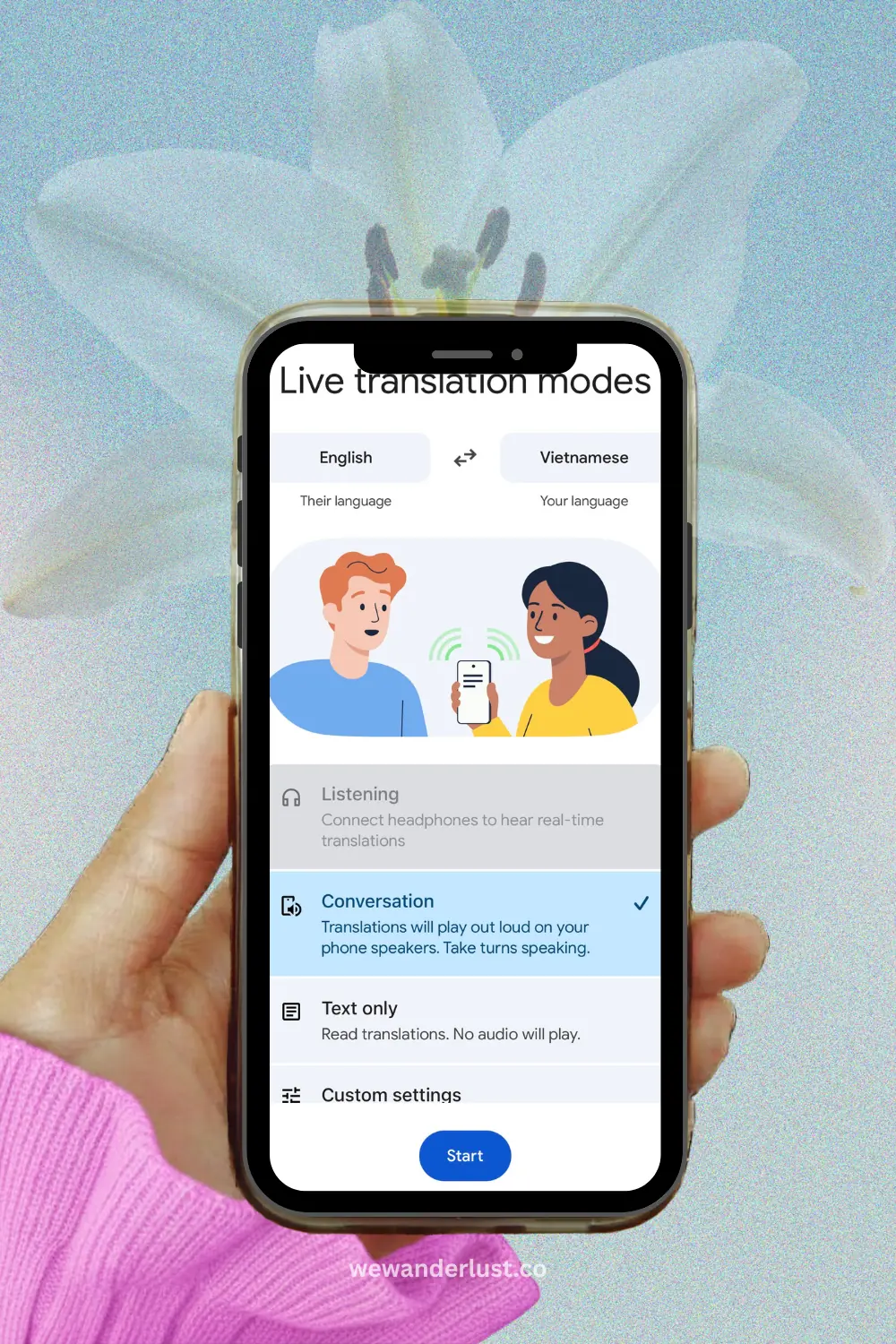
With the new Google Gemini AI updates, the real-time live translation is so helpful. My go-to was using the live translation, asking a question in real-time and having a conversation with locals without having to wait. This is a big upgrade from the old clunky version which took too long.
One thing I’d suggest: download the Vietnamese language pack for offline use. That way, even without data, you can still translate menus and signs.
Zalo for Local Messaging
Zalo is Vietnam’s most popular messaging app, and while you might not think you need it as a tourist, it actually comes in handy more than you’d expect.
A lot of local guesthouses, tour operators, and even restaurants communicate through Zalo rather than WhatsApp or email. When we were booking a boat tour in Ninh Binh through a local contact, Zalo was the only messaging app they used.
It’s also the foundation for ZaloPay (more on that below), so if you’re planning to go cashless, setting up Zalo early is a smart move.
Setting it up is simple. Download the app, register with a phone number, and you’re good to go. International numbers work fine for registration, so you can set it up before you arrive.
Klook and GetYourGuide for Tours and Attraction Tickets
For booking tours and experiences in Vietnam, I use both Klook and GetYourGuide, and they each have their strengths depending on what you’re looking for.
Klook is my first stop for anything in Asia. For things like boat tours in Ha Long Bay, cycling through Ninh Binh, or skip-the-line entry to major attractions, Klook usually has competitive prices and a smooth booking process. We used it to pre-book a couple of things before arriving in Hanoi, which I’d recommend if you’re visiting during peak season. Popular experiences like Ha Long Bay cruises book out fast, and prices on Klook are generally better than what you’ll find at the tourist office around the corner.
GetYourGuide is worth checking alongside Klook because it sometimes has operators and tour styles that Klook doesn’t carry, particularly for guided walking tours, food tours, and cultural experiences. The reviews on GetYourGuide also tend to be detailed and helpful for figuring out whether a tour is actually worth the price.
My approach: search both for whatever you’re planning to book, compare prices, read a few reviews on each, and go with whichever has the better combination of price and operator rating. It takes two extra minutes and has saved us from a couple of underwhelming bookings.
If you’re figuring out what to actually book, my roundup of the top things to do in Hanoi is a good starting point for deciding what’s worth pre-booking versus what you can sort on the day.
Both apps are easy to navigate and deliver QR code vouchers that most operators scan on arrival.
Agoda and Booking.com for Hotels
For hotels in Vietnam, I use both Agoda and Booking.com, and honestly they work best when you use them together.
Agoda is my first stop for Southeast Asia, and Vietnam has excellent inventory on the platform. Pricing is competitive, the filter system is actually useful, and I’ve consistently found that Agoda has properties listed that don’t show up on other platforms. For Vietnam, I’d especially recommend using Agoda for guesthouses and smaller boutique hotels. These tend to be the most charming options and the most affordable, and Agoda tends to carry them better than the big global booking sites.
One feature I like: the pay-at-hotel option. For a lot of stays in Vietnam, you can book through Agoda but settle the bill on arrival in cash. Useful if you’re flexible and want to avoid card fees.
Booking.com is worth having as a second option because it sometimes has better rates on the same property, especially for international chains and mid-range hotels. The cancellation policies on Booking.com also tend to be more flexible, which matters if your plans are still loose.
My approach: search both apps for every stay, compare the price and cancellation terms, and book whichever works out better. It takes an extra two minutes and has saved me money more than once. For Hanoi specifically, I’ve put together a full guide on where to stay in Hanoi covering the best neighborhoods and my favorite hotels across different budgets, which is worth reading before you start searching on either platform.
Quick tip: always read the cancellation policy before confirming. Some of the cheapest rates in Vietnam are non-refundable, and with how changeable travel plans can be, it’s worth paying slightly more for flexibility.
MoMo for Cashless Payments
MoMo is Vietnam’s most widely used e-wallet, and if you’re planning to go partially cashless, this is the one to prioritize.
You’ll see the MoMo QR code at everything from major restaurants and convenience stores to street food stalls and local markets. It’s genuinely everywhere in Vietnam, especially in big cities like Hanoi and Ho Chi Minh City.
That said, I want to be upfront with you about the “tourist” setup experience, because it’s not as smooth as you’d hope.
The setup challenges you may face:
MoMo requires a Vietnamese phone number to register, which is the main hurdle. If you pick up a local SIM card when you arrive (which I’d recommend doing anyway), you can use that number to sign up. The registration process involves entering your number, receiving an SMS code, and then completing a quick ID verification using your passport.
The verification step is where some you may get stuck. MoMo has tightened its KYC (know your customer) requirements, and for full wallet functionality, you may be asked to upload a photo of your passport and a selfie. This is worth doing because unverified accounts have lower transaction limits.
A few things to keep in mind:
- Link a Vietnamese bank account or top up with cash at a convenience store (Circle K and 7-Eleven both support MoMo top-ups) to add funds.
- Foreign debit/credit cards cannot be directly linked to MoMo in most cases, so top-ups via convenience store or bank transfer are the usual routes for tourists.
- If you have trouble with verification, MoMo does have an in-app English support chat that’s reasonably helpful.
The good news: once it’s set up, it works brilliantly. Scanning a QR code to pay for pho at a street stall feels very futuristic and very Vietnam.
Best App for Transportation Booking in Vietnam
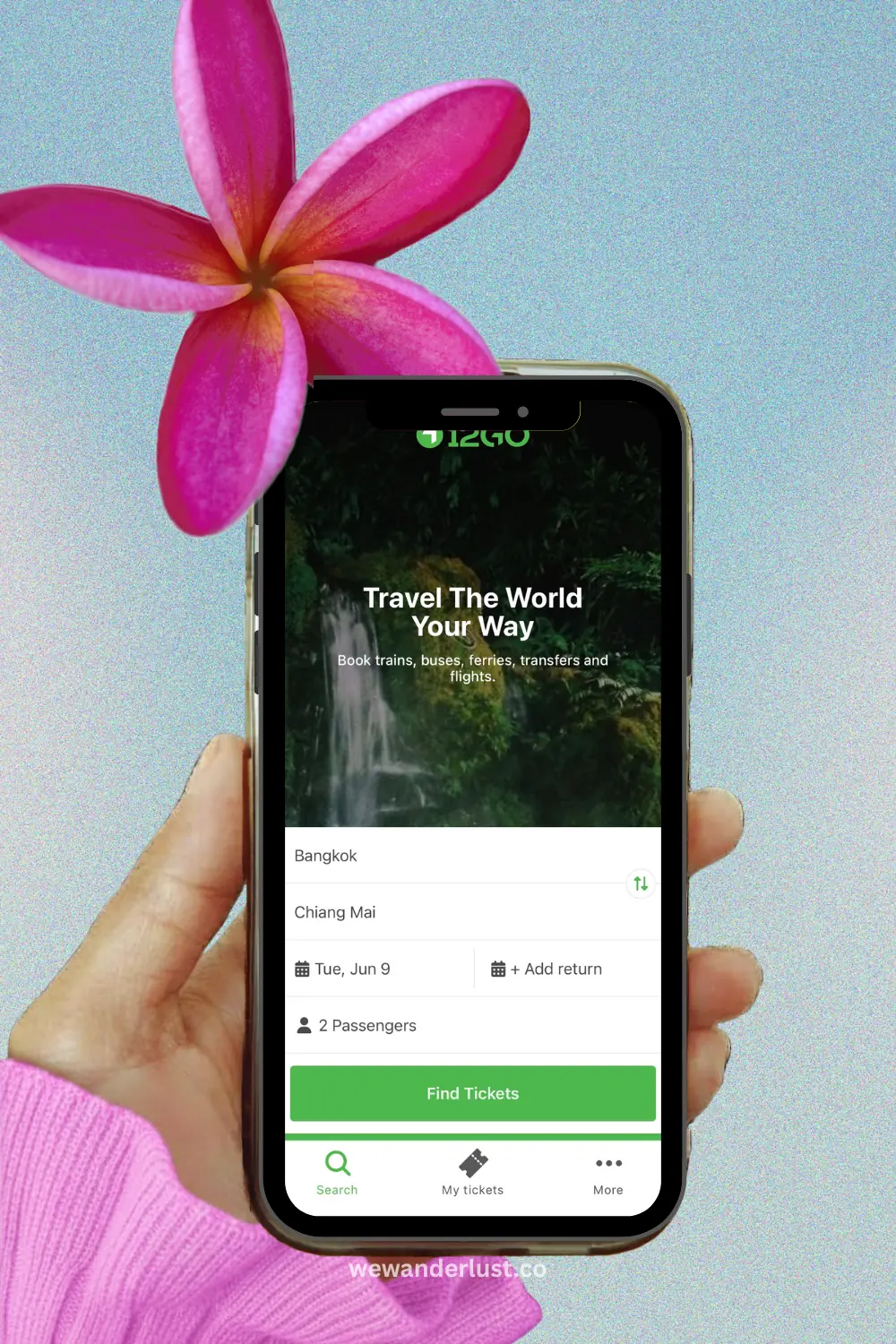
12Go for Buses, Trains, Ferries, and Transfers
For getting between cities in Vietnam, whether that’s a sleeper bus from Hanoi to Hue, a train down the coast, or a ferry to an island, 12Go is the most useful single app for comparing and booking options.
12Go lets you search and book buses, trains, ferries, and private transfers across Vietnam and other Southeast Asian countries. The interface is clean, the prices are shown upfront, and you can filter by transport type, duration, operator, and departure time. We used it to compare bus routes from Hanoi to Ninh Binh, and the ability to see multiple operators and times side by side was genuinely useful. I go into much more detail on the actual journey and what to expect in my Hanoi to Ninh Binh guide, including which transport option we ended up going with and why.
The process is simple: enter your origin and destination, choose your date, browse the options, and book directly in the app. You’ll receive an e-ticket you can show on your phone at the terminal.
A small but important caveat: 12Go works as an aggregator, which means it’s connecting you with third-party operators. Some bookings are confirmed instantly, but others, particularly for certain bus and ferry routes, can take a little longer to process. There are occasional reports from travelers of bookings not being confirmed immediately, which can be stressful if you’re on a tight schedule.
My recommendation: use 12Go to compare options and get a feel for prices and schedules, but for critical journeys where timing matters, double-check availability with the operator directly, or consider booking at the bus terminal in person. For flexible travel, though, 12Go is a great tool to have in your kit.
It covers transport across Vietnam, including popular routes like Hanoi to Sapa, Ho Chi Minh City to Mui Ne, and cross-border connections to Laos, Cambodia, and beyond.
Best eSIM App for Vietnam
Saily for eSIM and Mobile Data
Here’s the one app I’d tell every traveler to sort out before they board the flight: Saily.
Saily is an eSIM app that lets you purchase and install a data plan for Vietnam without needing a physical SIM card. You install it before arrival, enable data roaming, and activate it after you land. That means you have working data the moment you step off the plane. No queuing at the airport SIM counter, no fumbling with a SIM tray tool, no dealing with a SIM that doesn’t work until you figure out the APN settings.
We’ve started using eSIMs as our default for travel, and honestly I don’t know why we didn’t switch sooner. The Saily Vietnam eSIM options cover data-only plans at competitive prices, and setup takes about five minutes at home.
How to set it up:
- Download the Saily app and create an account.
- Purchase a Vietnam eSIM plan (choose based on how much data you expect to use and how long you’re staying).
- Follow the in-app instructions to install the eSIM on your phone. This takes a minute or two.
- Before you fly, enable data roaming in your phone settings.
- When you land in Vietnam, the eSIM activates automatically and you’re online.
The main thing to check beforehand: your phone needs to be eSIM-compatible and unlocked. Most newer iPhones and flagship Android phones support eSIM. If yours doesn’t, you’ll need to pick up a local SIM on arrival, which is also easy since they’re sold everywhere at the airport.
Do you still need a local SIM? Not necessarily. Saily gives you data, but it won’t give you a Vietnamese phone number. For most tourists, that’s fine. If you want to register for MoMo or Zalo using a local number, then a cheap local SIM card is the better option. You can grab one at Noi Bai Airport in Hanoi for a few dollars. Some travelers use both: Saily for data and a local SIM in a second slot for a Vietnamese number.
Common Setup Problems for Tourists
Getting your apps sorted before and during your Vietnam trip isn’t always seamless, especially with the payment and communication apps. Here’s a quick rundown of the issues you’re most likely to hit and what to do about them.
MoMo won’t register with a foreign number: You’ll need a Vietnamese phone number. Buy a local SIM at the airport (Viettel, Vinaphone, and Mobifone all sell them at Noi Bai) and use that number to register.
MoMo verification keeps failing: Make sure your passport photos are clear and well-lit. Dark or blurry images tend to get rejected. If it keeps failing, contact in-app support.
Can’t add money to MoMo: Foreign credit/debit cards generally can’t be linked directly. Use cash top-up at 7-Eleven, Circle K, or a Vinmart convenience store instead.
ZaloPay won’t link a bank account: ZaloPay ideally needs a Vietnamese bank account or a Vietnam-issued card to function fully. As a tourist without either, ZaloPay can be set up via Zalo but your functionality may be limited. Stick with MoMo as your primary payment app.
Grab won’t accept your foreign card: Try adding your card via PayPal or using GrabPay wallet, which can sometimes be topped up with foreign cards depending on the setup. Alternatively, some Grab options allow cash payment.
12Go booking not confirmed: If you don’t receive a confirmation email within a couple of hours, check your spam folder first. If it’s still not there, contact 12Go support directly through the app or email. Don’t show up at the terminal without confirmation.
Saily eSIM not activating: Make sure you’ve enabled data roaming on your phone before you land. This is the most common reason eSIMs don’t activate on arrival.
FAQ about Vietnam Apps
Is 12Go good for booking transport in Vietnam?
Yes, with some caveats. 12Go is useful for comparing bus, train, ferry, and transfer options across Vietnam in one place, and booking through the app is generally straightforward. The main limitation is that it’s an aggregator, so some bookings are confirmed instantly while others can take longer. For time-sensitive journeys, it’s worth double-checking with the operator or booking directly at the terminal. For flexible travel, 12Go Asia Vietnam is a solid and convenient tool.
Can tourists use Saily eSIM in Vietnam?
Yes, absolutely. Saily offers Vietnam eSIM plans that work well for tourists. The key is to install the eSIM before you travel and enable data roaming before you land. Your phone needs to be eSIM-compatible and unlocked. Saily gives you data only (no local phone number), which is fine for most travelers.
What apps should I install before arriving in Vietnam?
At a minimum: Grab (transport and food delivery), Google Maps with offline maps downloaded, Google Translate with the Vietnamese offline pack downloaded, and Saily if you’re going the eSIM route. Grab and Google Maps especially are ones you’ll open within minutes of landing. Klook, Agoda, and Booking.com can be sorted before departure if you have tours or hotels to book.
Do I need a local SIM to use Vietnam travel apps?
Not for all of them. Grab, Google Maps, Klook, Agoda, Booking.com, 12Go, and Saily all work fine with foreign data or a travel eSIM. You only need a Vietnamese local SIM if you want to register for MoMo or Zalo, both of which require a local phone number for sign-up. Local SIMs in Vietnam are cheap (around $5 to $10 USD for a decent data package) and available at the airport immediately on arrival.
My Final Thoughts on Best Apps for Vietnam
Vietnam genuinely surprised me on this trip. Both Hanoi and Ninh Binh were incredible in completely different ways. Hanoi chaotic and electric, Ninh Binh quiet and almost absurdly beautiful. And having the right apps made exploring both so much easier.
If I had to pick the non-negotiables: Grab, Google Maps (offline), Google Translate, and an eSIM sorted before you land. Those four alone will solve 90% of the logistical headaches that trip people up on their first day.
The others, Klook, Agoda, Booking.com, Zalo, MoMo, and 12Go, are well worth setting up too, especially if you’re staying more than a few days or planning to travel between cities. The more apps you have sorted before you arrive, the more time you spend enjoying Vietnam and less time troubleshooting at the airport.
If you’re still in the planning stage, my guides on things to do in Hanoi, where to stay in Hanoi, and how to get from Hanoi to Ninh Binh are the best places to start building your itinerary around these apps.
Happy travels!